
Screenshots
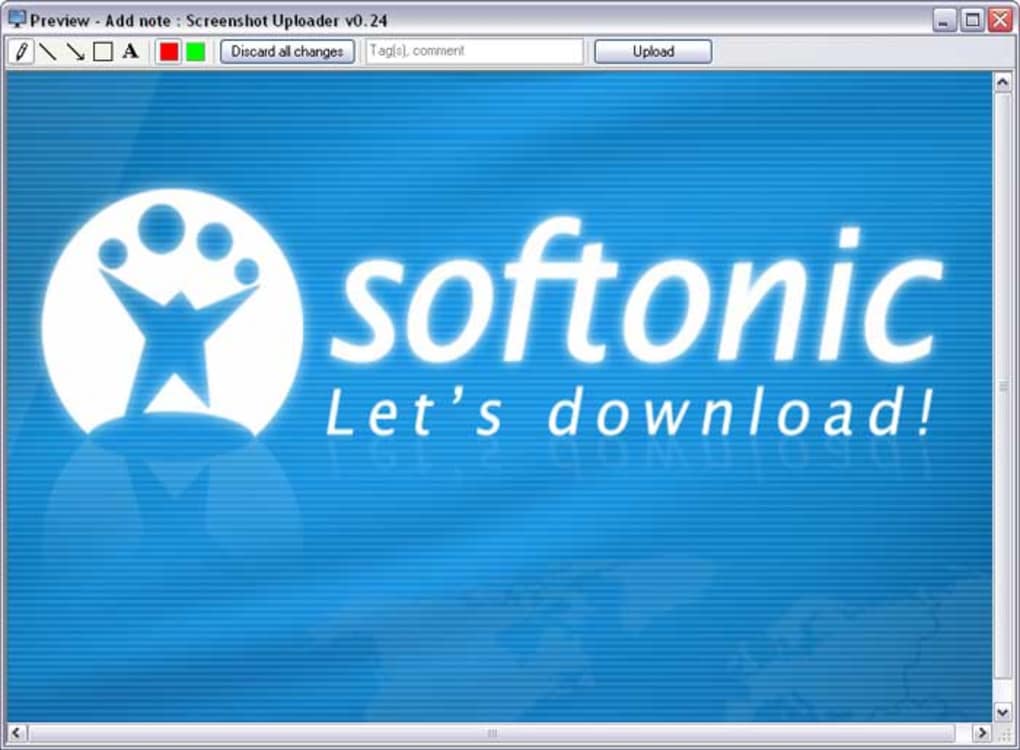
App details
- Version
- 0.24
- Size
- 517.12 KB
- Updated
- February 1, 2023
- Requires
- Windows Vista
- Language
- English
- License
- Free
- Developer
- Bharti Airtel Ltd
- Category
- Windows OS
SoftPas in:
This product is also available in the following languages:
About Screenshot Uploader
Download Screenshot Uploader – Free Screen Capture & Instant Web Sharing Tool for Windows, Mac, Android, iOS
In today’s fast-paced digital world, sharing visual content quickly is essential—whether you're troubleshooting a software issue, collaborating on a project, or documenting a bug. Snapshot Uploader (formerly known as Screenshot Uploader) is a lightweight, free screen capture tool designed to simplify the process of capturing, editing, and sharing screenshots. With just a few clicks—or a single hotkey—you can take a screenshot of your entire screen, a specific window, or a custom region, edit it with basic tools, and instantly generate a shareable web link. The tool is especially useful for remote teams, customer support agents, educators, and content creators who need to communicate visual information efficiently.
Simple & Powerful Screen Capture with Instant Upload
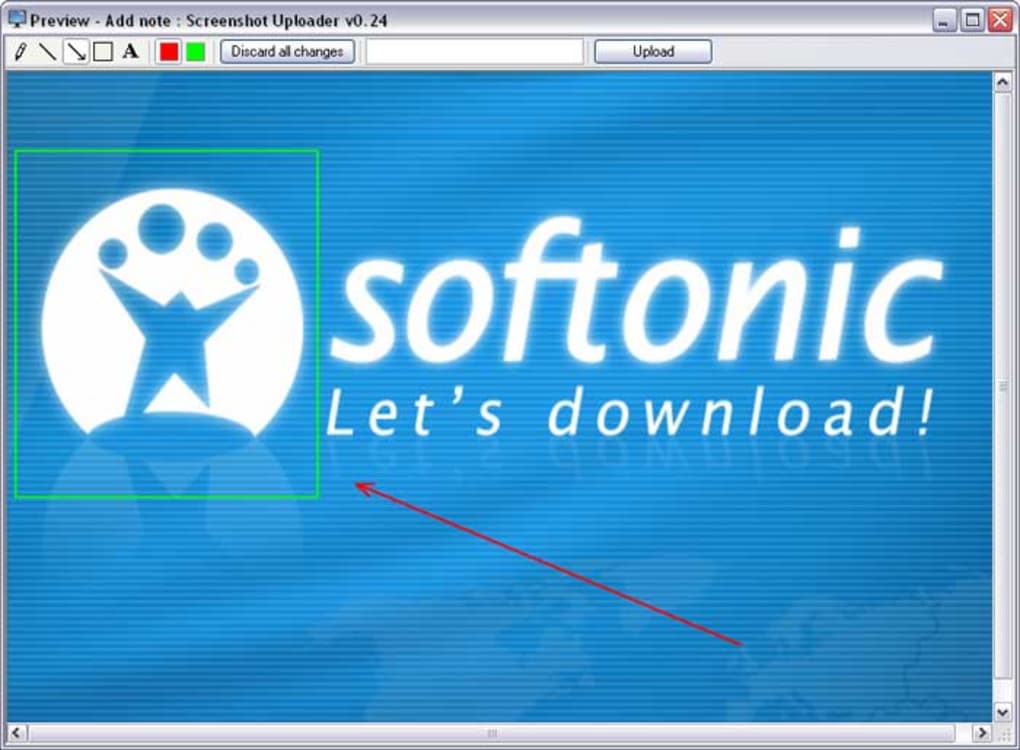
One of the standout features of Screenshot Uploader is its seamless integration between capturing and sharing. Unlike traditional tools that require you to save a file and then manually upload it, Screenshot Uploader streamlines the entire workflow. After installing the app on your Windows or Mac device, you can set a custom hotkey—such as Ctrl+Shift+S—to trigger a screenshot instantly. The tool allows you to capture your entire screen, a specific window, or a custom-defined area with precision. Once captured, the image is automatically loaded into a lightweight built-in editor, where you can crop, resize, add arrows, text, or highlight areas for emphasis.
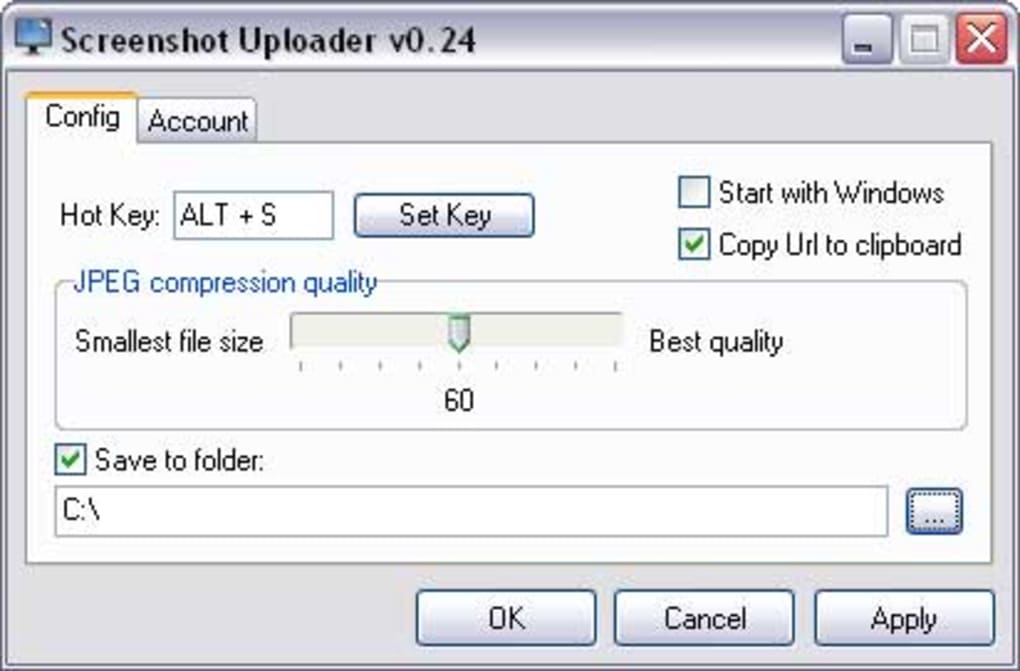
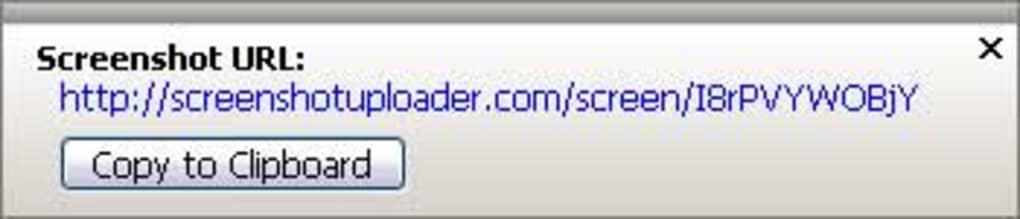
After editing, clicking the Upload button sends your screenshot directly to the Screenshot Uploader cloud server, generating a unique, permanent URL. This link can be shared via email, messaging apps, or embedded in documents. The entire process takes under 10 seconds, making it ideal for real-time collaboration. What’s more, you can choose between different JPEG quality levels—low, medium, or high—ensuring a balance between file size and image clarity. For added flexibility, the app also lets you save a local copy of the screenshot to your device, so you never lose your original files.
Registration is required to access cloud storage and URL generation, but the sign-up process is quick and free. Once registered, your screenshots are securely stored in the cloud, with options to manage or delete them later. The interface is clean and intuitive, avoiding clutter while offering all essential features in a user-friendly layout. Whether you're a beginner or a power user, Screenshot Uploader ensures that screen capture and sharing are no longer time-consuming tasks.
Compatibility, Features & Easy Setup
Screenshot Uploader is designed to work across multiple platforms, making it a versatile tool for users on different devices. It supports Windows 7 and later, macOS 10.12 and above, and offers companion web and mobile apps for Android and iOS. This cross-platform compatibility means you can capture a screenshot on your laptop, view the shared link on your phone, and respond instantly—perfect for on-the-go professionals.
Installation is straightforward. Simply visit the official website, download the installer for your OS, and run it. The setup wizard guides you through the process in under a minute. After installation, launch the app and sign in with your email or social account. You’ll then be prompted to customize your preferences, such as setting a global hotkey, selecting default image quality, and enabling auto-upload or local save options.
Key features include:
- Hotkey Capture – Assign a custom shortcut to trigger screenshots instantly.
- Multiple Capture Modes – Capture full screen, active window, or custom region.
- Basic Image Editor – Resize, crop, add text, arrows, and highlight areas.
- Instant Web Upload – Generate a shareable URL with one click.
- Cloud & Local Storage – Save copies both online and on your device.
- Image Quality Control – Choose JPEG quality (low, medium, high) to balance size and clarity.
- Secure Cloud Hosting – Encrypted storage and private links for sensitive content.
For users who prioritize privacy, Screenshot Uploader offers private links that can be password-protected or set to expire after a certain period. This ensures that sensitive screenshots—such as internal reports or confidential data—are only accessible to authorized recipients.
Pros and Cons: Is Screenshot Uploader Right for You?
Before you download, it’s important to understand the strengths and limitations of Screenshot Uploader. Here’s a balanced look at what makes this tool stand out—and where it could improve.
Pros:
- Fast & Seamless Sharing – No need to manually upload files; the instant URL generation saves time.
- Free to Use – The core features are completely free with no hidden charges.
- Cross-Platform Support – Available on Windows, Mac, Android, and iOS.
- Customizable Hotkeys – Personalize your capture shortcut for quick access.
- Lightweight & Fast – Minimal system resource usage, even during frequent use.
- Secure Cloud Storage – Encrypted uploads and optional link expiration.
Cons:
- Limited Editor Features – No advanced tools like blur, filters, or layering.
- Only JPEG Export – No PNG or other formats, which may affect transparency or quality.
- Requires Account – You must register to use cloud features, which some users may find intrusive.
- Storage Limits – Free accounts have limited cloud storage; upgrading may be needed for heavy users.
- Occasional Upload Delays – Rare, but some users report slow upload times on low bandwidth.
Frequently Asked Questions (FAQ)
Final Verdict: A Must-Have for Quick Visual Sharing
Overall, Screenshot Uploader is a reliable, free, and secure tool that excels in one core task: capturing your screen and sharing it instantly via a web link. Its intuitive design, hotkey support, and cross-platform availability make it a top choice for anyone who frequently needs to share visual content. While the editor is limited and the lack of PNG export is a drawback for designers, the tool’s speed, simplicity, and seamless integration with cloud storage more than compensate for these minor limitations.
Whether you're a student explaining a concept, a developer reporting a bug, or a remote worker sharing feedback, Screenshot Uploader removes the friction from screen sharing. It’s easy to install, quick to use, and doesn’t require technical knowledge. With regular updates and a growing user base, it continues to evolve as a go-to solution for instant visual communication.
Ready to streamline your workflow? Download Screenshot Uploader today—free, secure, and ready to use on Windows, Mac, Android, and iOS. Start sharing your screen in seconds!
Guides & Tutorials
How to install Screenshot Uploader
- Click the Download button above.
- Once redirected, accept the terms and click Install.
- Wait for the Screenshot Uploader download to finish on your device.
How to use Screenshot Uploader
This software is primarily used for its core features described above. Open the app after installation to explore its capabilities.
User Reviews
No reviews yet. Be the first to share your experience.
You may also like
more
Llama 2
Free-to-use large language model As the new addition to Meta’s arsenal of langua...

NotebookLM
Revolutionizing the note-taking and idea-generation process NotebookLM is an exp...

Github co pilot
AI-inspired software development and coding platform GitHub Copilot is a browser...

Google Gemma
Google’s lightweight AI models Introducing Google Gemma , a family of cutting-ed...

AI Image Enlarger
A free app for Windows, by ai-image-larger. AI Image Enlarger is a free software...

DALL E
AI-driven text-to-image transformation engine DALL·E is a free graphic and desig...